It is 9am and someone on your team already has an AI assistant open. They have pasted in last week’s revenue export, asked why it dipped, and got a confident paragraph back. The paragraph is well written. Nobody can say which definition of revenue it used, which rows were in the export, or whether the export was current when it was taken.
That is how most teams meet AI on their data: not through a project, but through a chat window and a CSV. The usual response is to pick a side. Either ban the assistants and keep everything inside the data platform, or wire an assistant straight to the warehouse and hope the schema explains itself.
Both positions are understandable. Neither holds up for long. People will keep working in the assistant they already use, and a raw database connection gives that assistant tables without the definitions, tests or permissions that make the numbers mean anything.
The question is not which assistant your team uses. It is whose rules the assistant follows when it reaches your data.
Flare now works where you already work
A quick recap: Flare is the AI assistant built into Datablast. Ask it a question in plain language and it writes the SQL, runs it against your governed data and shows the query behind the answer. Ask it for pipeline code and it drafts it against your real schema for you to review. That does not change. Flare still works as a chat inside Datablast, in the platform and in Flare IDE.
What is new is where else you can reach it. From today, Flare is also available as an MCP server, on every Datablast plan.
MCP, the Model Context Protocol, is an open-source standard for connecting AI applications to external systems. Its maintainers describe it as “a USB-C port for AI applications”: one standard way for an assistant to reach data sources, tools and workflows, instead of a custom integration for each pairing.
In practice, that means you can connect Flare to Claude, ChatGPT or Grok and work with Datablast from the conversation you already have open. Out of the box, three things work:
- Ask for dashboards — ask a question in plain language and Flare writes the SQL, runs it against your governed data and returns the answer, with the query behind it. Turn that answer into a dashboard without leaving the chat.
- Request code changes — describe a transformation, a model or a quality test, and Flare drafts the SQL or Python against your real schema. You can check the change locally, or review it as a pull request in Flare IDE if you want that step.
- Manage Datablast — run pipelines, create new ones, rerun the ones that failed, read the logs and debug what went wrong. In general, anything you do in Datablast you can ask for from the chat.
What changes, and what does not
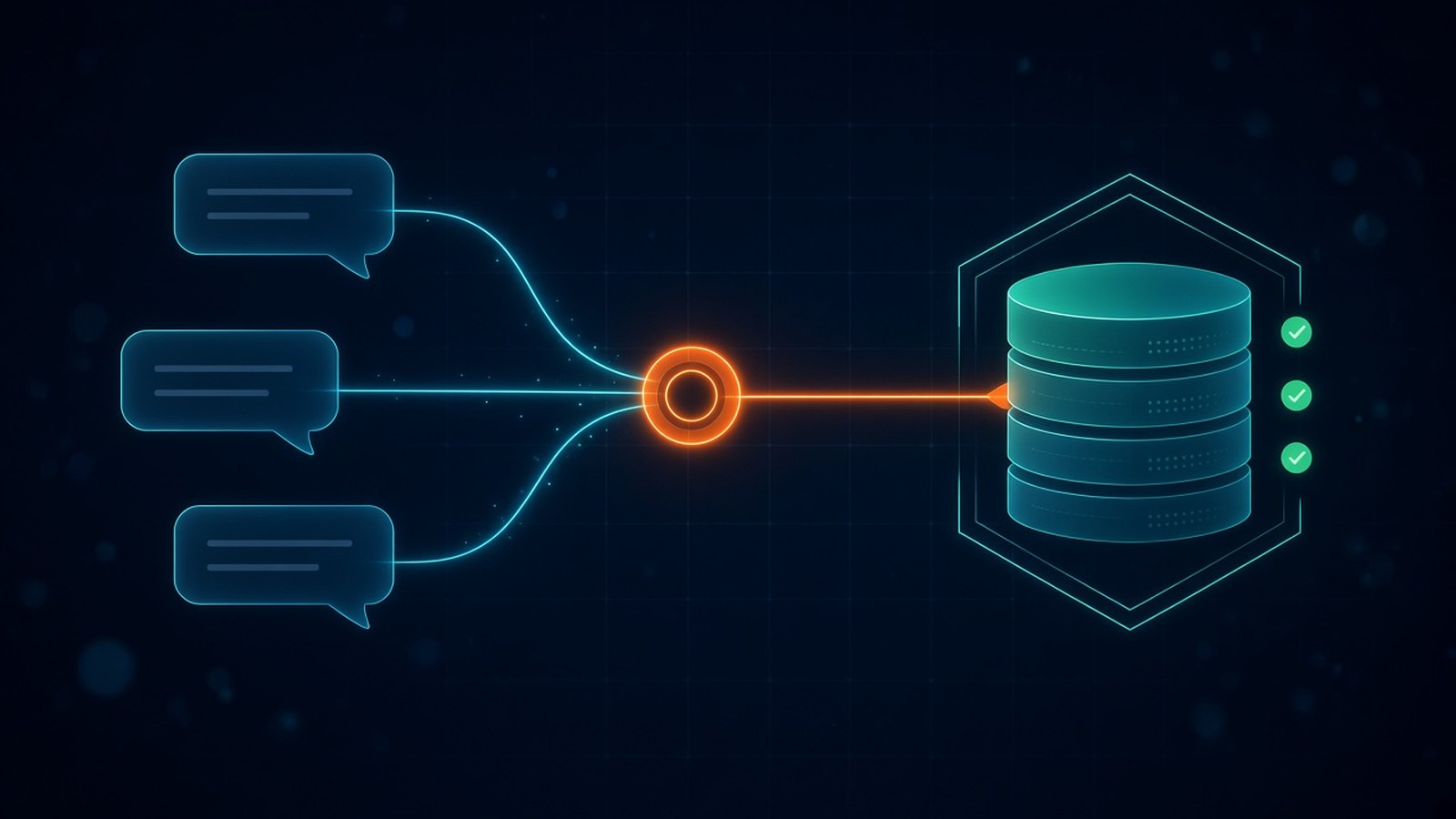
The interface changes. The foundation does not. Flare over MCP is the same Flare that runs inside the platform, which is the point of building it this way rather than handing an assistant a database password.
| In the assistant | What sits underneath it |
|---|---|
| A plain-language question | SQL that Flare writes and shows you, run against governed data |
| “Revenue”, “churn”, “active customer” | One definition per metric from the Knowledge Layer, the same one every dashboard uses |
| “Write a model that joins orders and customers” | Code drafted against your real schema, which you review before it ships |
| Whoever is asking | The role-based access controls that already apply to that person |
Shared definitions are what make the second row work. A definition that is agreed once and used everywhere does not stop being true because the question arrived from a different window. The answer in the chat is the answer on the dashboard.
What it does not do
It is worth being plain about the limits, from a company that sells the platform underneath.
It does not fix definitions nobody has agreed. If two teams still mean different things by “active user”, Flare will apply the one in the Knowledge Layer, and the argument moves to that definition. That is progress, but it is not automatic.
It does not replace review. Flare drafts code; deciding whether it is right is still your job. A change requested from your assistant can be checked locally, or reviewed as a pull request in Flare IDE if your team wants that step. Read it the way you would read a colleague’s.
It does not make bad data good. An answer is only as current as the pipeline behind it. The tests, freshness monitoring and lineage that catch a silent upstream change before it reaches a report matter more when answers are easier to ask for, not less.
What comes next
Flare is the first MCP connection, not the last. In the coming days, Datablast plans to add more MCP integrations aimed at two things: broader analytics, and making new pipelines easier to build.
How to try it
Three moves, in this order.
- Connect Flare to your assistant — Claude, ChatGPT or Grok, whichever your team already has open.
- Start with a question you already know the answer to. Ask for a metric that sits on an existing dashboard, and check that the SQL and the number match. Trust is earned on the questions you can verify.
- Then ask for a change. Request a small transformation or a null-value quality test, and check the draft before it goes anywhere.
If you are not a Datablast customer yet, you cannot try Flare over MCP today. That is coming soon. Until then, get a walkthrough and see Flare on your own data.
The takeaway
Your team will use AI assistants on your data whether or not the data platform takes part. The useful decision is not whether to allow it, but whether the assistant arrives with your definitions, your tests and your permissions, or without them.
Flare over MCP is Datablast’s answer: meet people in the assistant they already use, and keep the rules where the data is built.
That is how Datablast is built: ingestion, transformation, orchestration, quality and the Knowledge Layer in one platform, with Flare on top — schema-aware, permission-respecting and SQL-transparent, inside Datablast and now from Claude, ChatGPT and Grok too.
See it on your own data
20 minutes, your questions, a live walkthrough.